D-Wave#
QLauncher is compatible with D-wave backends and many d-wave based algorithms.
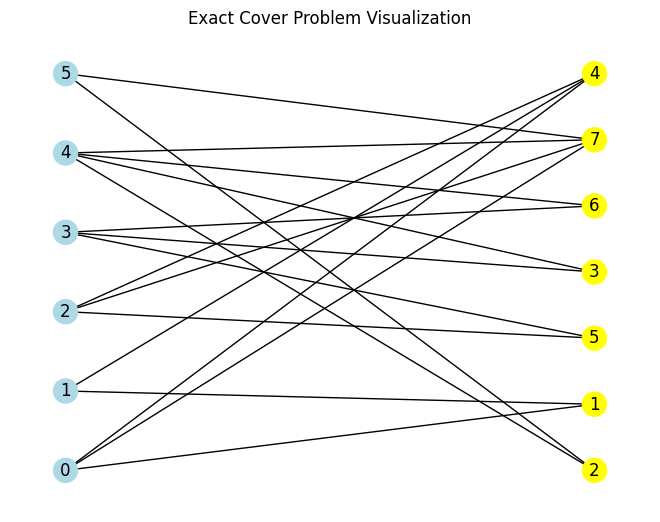
Let’s start by defining a problem to be solved, we will use Exact Cover in this tutorial.
from qlauncher.problems import EC

pr = EC.from_preset('default')
pr.visualize()
D-wave algorithms#
QLauncher features algorithms dedicated to work on D-wave computers such as SimulatedAnnealing, based on the simulated annealing heuristic algorithm and Tabu, based on the Tabu search algorithm. Let’s try the simulated annealing algorithms:
from qlauncher.routines.dwave import SimulatedAnnealing

alg = SimulatedAnnealing()
To run D-wave algorithms you will also need the corresponding backend:
from qlauncher.routines.dwave import SimulatedAnnealingBackend

backend = SimulatedAnnealingBackend()
Now we can use QLauncher to launch D-wave solver on the selected backend:
from qlauncher.launcher import QLauncher

launcher = QLauncher(pr, alg, backend)
result = launcher.run()
result
Result(bitstring=100101, energy=-9.5)
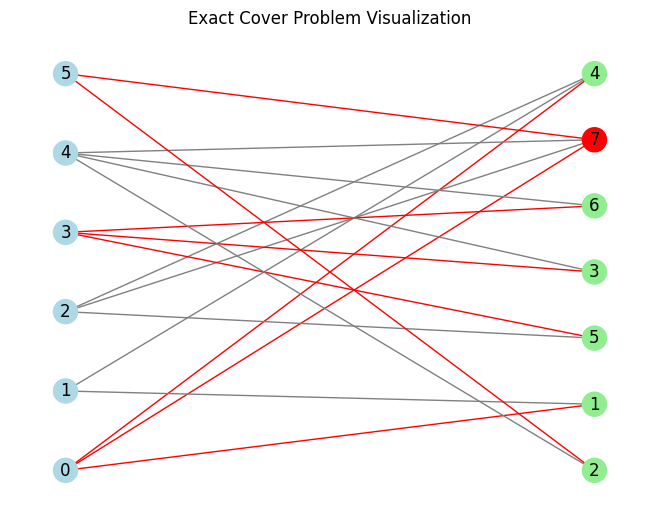
The results correspond to the following matching, since the solver is non-deterministic the result might be suboptimal:
pr.visualize(result.best_bitstring)